

A course titled IT 867: Seminar in IT Support may sound narrowly technical, but its value extends well beyond learning how to reset passwords or troubleshoot a computer. A well-designed seminar connects technical knowledge with communication, documentation, security awareness, and the judgment required in real support environments. It may also help you understand whether information technology is the right academic and career direction for you.
Because course numbers and requirements vary by college, your syllabus is the final authority on what IT 867 includes. Still, the course generally serves as an advanced or concluding opportunity to examine IT support practices through discussions, case studies, projects, and hands-on problem-solving. If you are comparing programs, planning how to pay for college, or exploring entry-level technology careers, understanding this course can help you make a more well-informed choice.
What Is IT 867: Seminar In IT Support?
IT 867: Seminar in IT Support is typically a discussion-centered course focused on applying IT support concepts in realistic situations. Rather than treating technical support as a list of isolated tasks, the seminar asks you to think through complete service scenarios: a user reports a problem, you gather information, identify likely causes, test solutions, document the work, and communicate the outcome.
The course may include readings, presentations, technical demonstrations, group discussions, written reflections, research, or a final project. In some programs, it functions as a capstone course: in others, it provides a focused introduction to professional support operations. You may examine help desk procedures, endpoint management, operating systems, networking fundamentals, cybersecurity, cloud services, accessibility, and technology ethics.
The word "seminar" matters. You are not simply memorizing terminology for an exam. You are expected to explain your reasoning, compare possible solutions, ask productive questions, and defend recommendations. A technically correct answer is not always the best answer if it creates unnecessary downtime, exposes private information, or leaves the user confused.
How The Seminar Fits Into An IT Support Program
IT 867 often builds on earlier courses in computer hardware, operating systems, networking, cybersecurity, or technical support. Those classes may teach you how systems work. The seminar emphasizes how to use that knowledge responsibly in a service environment.
You may be asked to combine several skills in one assignment. For example, diagnosing a connectivity issue could require knowledge of IP addressing, device settings, account permissions, and the organization's escalation policy. That integrated approach resembles workplace support more closely than a single-topic laboratory exercise.
Before enrolling, check your institution's catalog and syllabus for prerequisites, required software, attendance expectations, and project requirements. If you are comparing colleges, look for programs that provide current equipment, lab access, practical projects, and opportunities to build a portfolio. These details can matter as much as the course title.
What Will I Learn In IT 867: Seminar In IT Support?
The answer to "What will I learn in IT 867: Seminar in IT Support" depends on your school, instructor, and program outcomes. But, the central goal is usually to prepare you to support people and technology systematically. You should expect a mixture of technical practice, professional communication, and independent problem-solving.
Core Technical Skills And Support Workflows
You may review the fundamentals that support specialists use every day, including hardware components, operating systems, software installation, user accounts, permissions, file systems, networking, printers, mobile devices, and cloud-based tools. The course may not teach each subject from the beginning. Instead, it can require you to apply existing knowledge to unfamiliar or incomplete scenarios.
A typical workflow begins with intake and clarification. You learn to ask what changed, who is affected, when the problem began, and whether an error message appears. Next comes triage: determining urgency, scope, business impact, and whether a workaround is available. You then isolate the cause, test a low-risk solution, verify that the issue is resolved, and record the result.
Security should be part of this process. A support professional must confirm identity before changing an account, avoid requesting sensitive information unnecessarily, recognize suspicious behavior, and follow procedures for malware or suspected data exposure. You may also discuss backups, patching, least-privilege access, password policies, multi-factor authentication, and safe remote support.
The course can introduce basic service management ideas as well. Tickets may be prioritized according to impact and urgency, assigned to the appropriate technician, and escalated when the issue exceeds your authority or expertise. Learning when to continue investigating, and when to ask for help, is an important professional skill.
Communication, Documentation, And Professional Standards
Technical ability alone does not make someone an effective support specialist. You must translate technical information into language the user can understand without sounding dismissive or condescending. IT 867 may use role-play or case studies to practice active listening, expectation-setting, empathy, and conflict resolution.
Documentation is equally important. A useful ticket should record the user's symptoms, relevant device or account details, troubleshooting steps, findings, resolution, and follow-up requirements. "Fixed computer" is not a useful record. A stronger note explains what was changed and how the solution was verified, while avoiding unnecessary personal or confidential information.
You may also study professional standards involving accessibility, privacy, acceptable use, and ethical conduct. Support staff often have privileged access to systems and personal data. That access must be treated as a responsibility, not an invitation to browse files or bypass controls. Clear writing, accurate records, punctual communication, and respect for policy can distinguish a reliable technician from a merely knowledgeable one.
Hands-On Activities, Projects, And Problem-Solving
The strongest IT support seminars give you opportunities to practice rather than only discuss concepts. Activities may include diagnosing simulated tickets, assembling or configuring devices, creating user accounts in a test environment, resolving software conflicts, mapping a small network, or writing step-by-step instructions for a nontechnical audience.
Projects often begin with an ambiguous problem. A user may say, "The internet is down," when the actual issue is a disabled wireless adapter, an expired credential, or one website being unavailable. Your job is to avoid assumptions. You gather evidence, form a hypothesis, test it, and adjust your approach when the evidence does not fit.
This process is sometimes called structured troubleshooting. A practical version looks like this:
- Define the problem and its impact.
- Reproduce the issue when it is safe to do so.
- Check simple, likely causes before attempting complex changes.
- Change one variable at a time when possible.
- Record what you tried and what happened.
- Confirm the user's original need has been met.
- Escalate or recommend preventive action when appropriate.
Group work can add another layer. One student might act as the user, another as the support technician, and a third as an observer who evaluates questioning and documentation. These exercises reveal habits that are easy to miss when you work alone. You may discover that you rush to solutions, use too much jargon, or fail to confirm the user's priorities.
A final presentation or research project may ask you to compare support tools, evaluate a technology policy, investigate a current security concern, or propose improvements to a help desk. When choosing a topic, select something specific enough to analyze. A focused question, such as whether an organization should adopt a particular remote-support practice, usually produces stronger work than a broad report on "technology."
Keep examples of polished assignments, diagrams, ticket templates, and project summaries. With permission, these can become portfolio material for internships, campus technology jobs, or entry-level interviews. Do not include real passwords, private records, or confidential organizational information.
What Type Of Student Does Well In IT 867: Seminar In IT Support?
What type of student does well in IT 867: Seminar in IT Support? You do not need to be the person who already knows every command or can repair every device. Successful students are usually curious, patient, organized, and willing to investigate instead of guessing.
Skills And Habits That Help Students Succeed
Curiosity helps you ask better questions. When an issue seems obvious, pause and look for missing details. Patience matters because users may describe symptoms inaccurately or feel anxious about losing work. A calm, respectful response can keep a small technical issue from becoming a larger service problem.
You also need persistence. Troubleshooting rarely follows a perfect script, and your first theory may be wrong. Strong students treat an unsuccessful test as information rather than as failure. They revise the hypothesis, consult reliable documentation, and know when to escalate.
Organization is another advantage. Keep a troubleshooting journal, use consistent file names, track deadlines, and save versions of major assignments. Before class discussions, annotate readings with questions and examples. In a seminar, participation is not simply speaking often: it is contributing observations that move the discussion forward.
Basic digital literacy helps, but you can develop many technical skills during the program. More important is your willingness to practice. If a lab takes longer than expected, identify where you became stuck and seek specific assistance. "I don't understand" is less useful than "I can authenticate locally, but the account fails when I connect to the network."
Finally, take ethics seriously. A student who respects privacy, follows instructions, and reports mistakes honestly is developing the trust required in IT work. That reputation can matter when instructors recommend students for internships or campus employment.
How To Prepare For Assignments And Class Discussions
Preparation for IT 867 begins before the first assignment. Read the course description, identify prerequisites, and confirm which tools or operating systems you will use. If the class requires a virtual machine, lab platform, or specific software, test access early rather than the night a project is due.
Create a simple system for managing course material. Keep lecture notes, lab instructions, screenshots, error messages, and sources in clearly labeled folders. When troubleshooting, write down the exact steps you take. This habit saves time when you need to repeat a test or explain your process in a report.
For written assignments, start by identifying the decision or problem the prompt is asking you to address. Then support your answer with evidence: course readings, vendor documentation, reputable security guidance, or results from your own lab work. Avoid copying a procedure without explaining why it works, what risks it creates, and how you would verify the outcome.
Class discussions are easier when you prepare two or three questions in advance. Consider questions such as: What would change if the issue affected 500 users instead of one? How should a technician respond when a requested fix violates security policy? When is a workaround acceptable? These questions connect technical choices to real operational consequences.
You should also use instructor feedback strategically. If comments mention weak documentation, revise your ticket format. If your analysis jumps to conclusions, practice listing competing explanations before testing one. The goal is not merely to earn a grade on one assignment: it is to build habits you can reuse in future courses and employment.
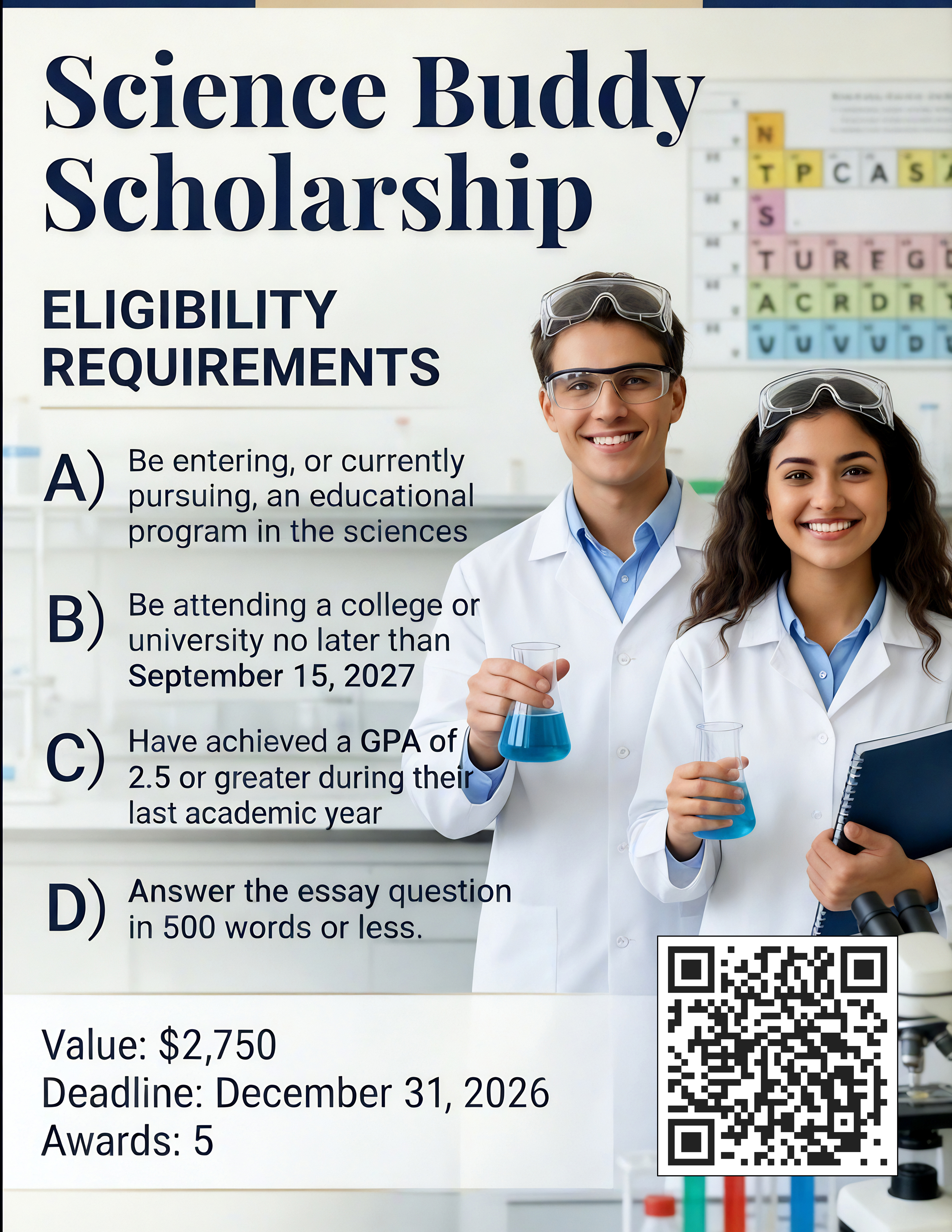
If college costs are a concern, include IT 867 and related program expenses in your planning. The free scholarship and career resources at Studentscholarships.org can help you explore potential awards, personalized scholarship matches, and career information while you compare educational options.
Career Paths And Entry-Level Opportunities After IT 867
IT 867 can support several entry-level directions, especially when combined with a certificate, degree, internship, or industry credential. A common starting point is a help desk or service desk technician role. You may troubleshoot hardware and software, manage tickets, guide users through solutions, and escalate complex incidents.
Other possibilities include desktop support technician, technical support specialist, field service technician, computer lab assistant, customer support technician, and junior systems support roles. In schools, hospitals, government offices, and businesses, these positions can provide experience with different users, devices, applications, and security requirements.
Career progression depends on your interests and continued learning. Experience in support can lead toward systems administration, network administration, cloud operations, cybersecurity, endpoint management, IT asset management, or technical project coordination. You may also discover that you enjoy the human side of technology and move toward training, service management, or user experience.
Employers commonly look for evidence that you can solve problems responsibly. Your résumé should describe outcomes rather than only listing course titles. For example, you might mention that you documented a simulated incident workflow, configured a test environment, created user-facing instructions, or analyzed a support process. Include tools you used only when you can discuss them honestly.
Before applying, build a professional routine: tailor each résumé, prepare concise stories about difficult problems, and practice explaining technical topics to a nontechnical person. Ask instructors about campus technology jobs, internships, and local employers. A seminar grade is useful, but practical evidence and credible references often make the difference when you are pursuing your first opportunity.
Frequently Asked Questions about IT 867: Seminar in IT Support
What is the focus of IT 867: Seminar in IT Support?
IT 867 is a discussion-centered course that applies IT support concepts to real-world scenarios, emphasizing communication, documentation, security awareness, and problem-solving within support environments.
How does IT 867 differ from other IT support courses?
Unlike isolated technical training, IT 867 integrates multiple IT skills into complete service workflows, encouraging judgment, ethical conduct, and customer communication rather than just memorizing tasks.
What core skills will I learn in the IT 867 seminar?
You will develop technical skills like troubleshooting hardware, software, networking and security, alongside professional communication, documentation, and structured problem-solving techniques.
Who is best suited to succeed in IT 867: Seminar in IT Support?
Curious, patient, organized students who are willing to investigate problems deeply, communicate clearly, follow ethical standards, and persist through challenges tend to excel in this seminar.
How can I prepare effectively for assignments and class discussions in IT 867?
Prepare by reviewing prerequisites and tools early, organizing course materials carefully, supporting your answers with evidence, and formulating thoughtful questions linking technical issues to real-world impacts.
What career opportunities can IT 867 help me pursue after completion?
IT 867 prepares you for entry-level roles like help desk or desktop support technician and can lead to advanced IT fields such as systems administration, cybersecurity, and IT project coordination.